

- From inside the Data Center, select DataSets in the left navigation.
- Find the DataFusion you want to edit.
-
Select the DataFusion to open the Details view and select
 down arrow > Edit DataFusion.
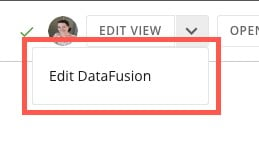
- Update the DataFusion.
Tip: You can rename a DataFusion by selecting  action menu > Edit Name & Description. Change the title or description of the DataFusion and select Save.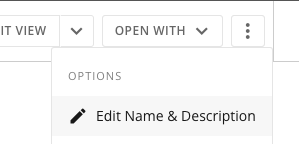
action menu > Edit Name & Description. Change the title or description of the DataFusion and select Save.